
What to Do If You Find FOD: Pocket Card
A simple five-step response to any FOD find, when to stop work and call a supervisor, how to log the find, and badge-size cards to print and carry. Get the Free GuideSee What's Inside8
Pages
8
Sections
5
Response Steps
1
FOD Find Log
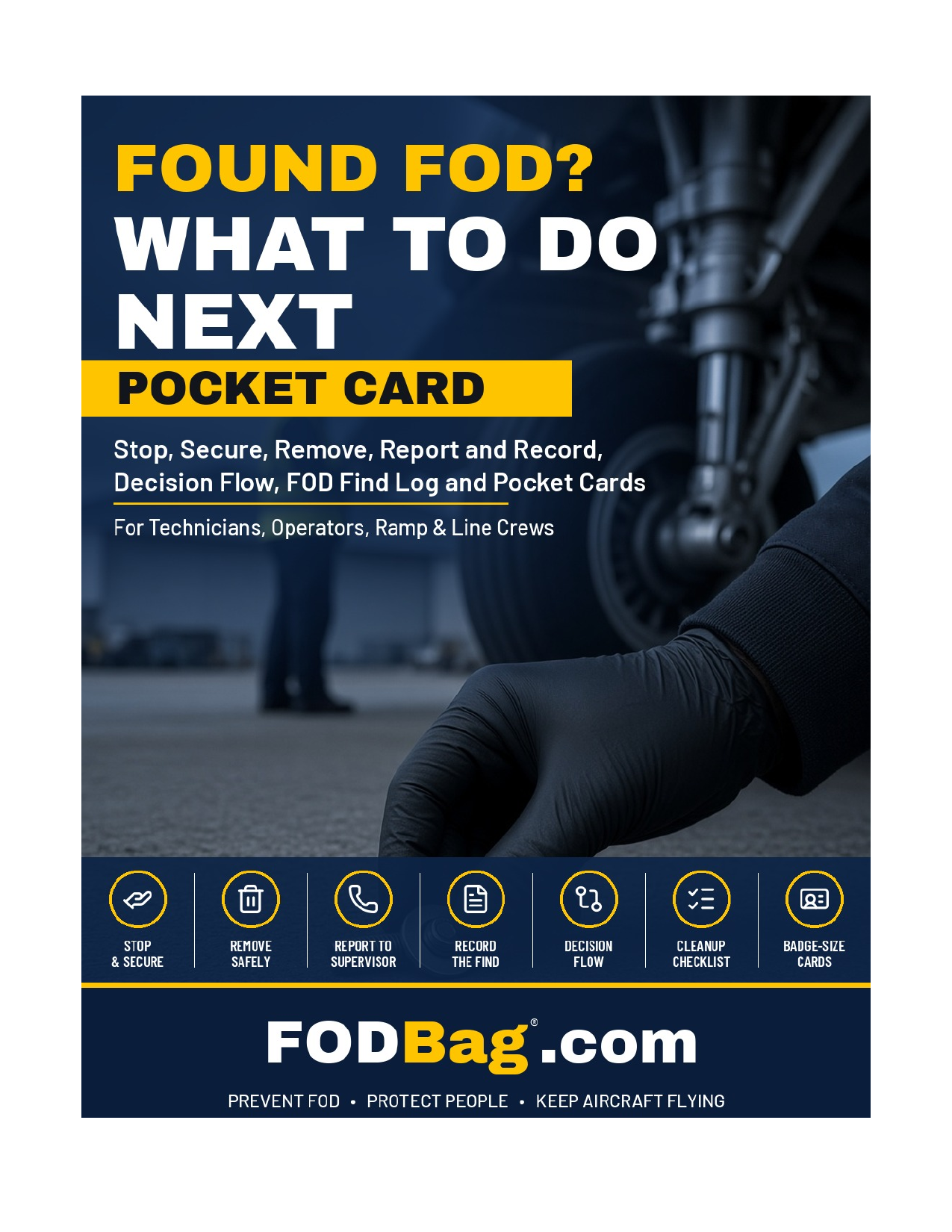
About the What to Do If You Find FOD: Pocket Card
Reviewed by Trent Powell, Founder, FODBag · Reviewed: November 10, 2026
Quick answer: When someone finds a foreign object on a ramp, in a hangar, on a production floor or inside a product, the first few minutes decide the outcome. What should you do if you find FOD? Stop, Secure, Remove, Report and Record. A clear, practiced response keeps the object from causing damage, makes sure it is reported, and gives the program the information it needs to fix the cause.
Who it is for: Everyone who works in or walks through FOD-sensitive areas: ramps, hangars, production floors and test areas.
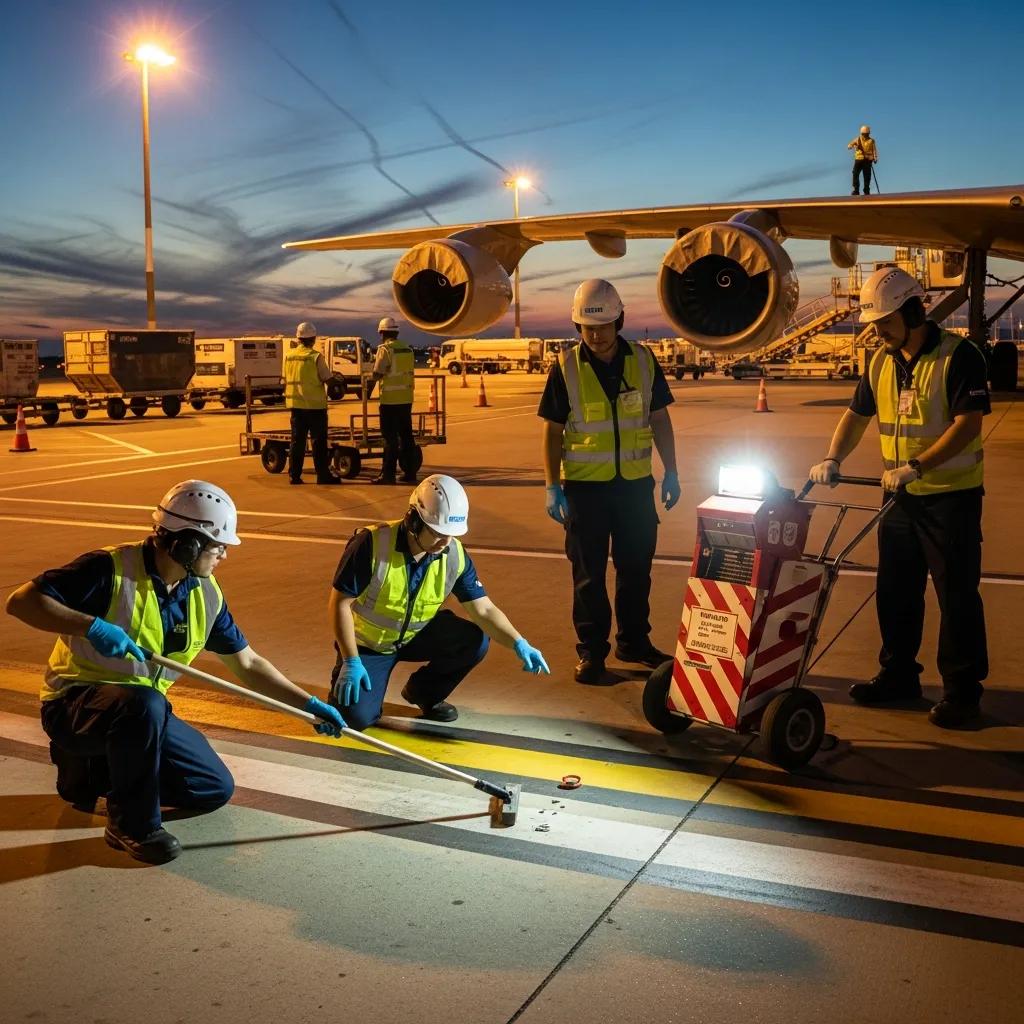
What’s Inside the Guide
Eight sections, from the five-step response to printable badge-size cards.
The Five-Step Response
Decision Flow
When to Stop Work and Call a Supervisor
FOD Removal and Cleanup
How to Log a FOD Find
FOD Find Log and Pocket Cards
Key Practices From the Guide
A short preview of what the guide covers in depth.
Stop where you found it
Secure before you decide
Remove only what is loose and safe
Call a supervisor when in doubt
Use the right FOD removal method
Record every find
How to Use This Guide
- Use Sections 1 and 2 to learn the five-step response and decision flow.
- Use Section 3 to know when to stop work and call a supervisor.
- Use Sections 4 and 5 for FOD removal and cleanup methods and how to log a find.
- Use the FOD find log and pocket cards in Sections 6 and 7 on the floor.
Before You Start
- Add supervisor and quality contacts to the card.
- Check where your facility procedure adds steps or names contacts.
- Place FOD containers and bags where finds are likely.
- Confirm which removal equipment is approved for your area.
- Print the badge-size cards on card stock at 100% scale.
- Decide where completed FOD find logs go.
Forms in the Toolkit
- Five-Step Response Table (Section 1)
- FOD Find Log (Section 6)
- Printable Badge-Size Pocket Cards (Section 7)
- When to Stop Work Checklist (Section 3)
By FODBag.com · Updated November 10, 2026
Reviewed by Trent Powell, Founder, FODBag · Reviewed: November 10, 2026
What to Do If You Find FOD: Playbook for Using the Pocket Card
Quick answer: Stop, secure the object, remove it, report it and record it. NASA MSFC-STD-3598 says to photograph FOD before removal if possible, report incidents to the FOD focal point, and recover every piece of a broken tool. A lost item that is not found within 1 hour of searching is reported as an incident.
This playbook shows how to use the pocket card in practice, with a checked monthly report example. It uses NASA MSFC-STD-3598 Rev. D, which was read for this page. The counts are invented and the steps are a FODBag suggestion. Your own procedures and your customer’s requirements decide what is reported and to whom.
What the opened source says
NASA MSFC-STD-3598 says that when a FOD incident contacts hardware or may pose a continuing risk, operations should immediately cease and an investigation be started, and that photographs should be taken of the FOD found, before removal if possible (NASA MSFC-STD-3598 Rev. D, 5.12.3.1 a and f). It says near-miss FOD is reported and investigated with the same urgency as actual incidents (NASA MSFC-STD-3598 Rev. D, 5.12.3.1 e). It lists lost tools, small parts or consumables not located within 1 hour of searching as incidents to report, and says items found in a control area other than during a FOD walk down may be recorded as “stumble on” FOD to help track sources (NASA MSFC-STD-3598 Rev. D, 5.12.3.2 d and f). When a tool breaks, all pieces are recovered and inspected (NASA MSFC-STD-3598 Rev. D, 5.8.2.2).
Using the card, step by step
- Stop work if the object touched hardware or could keep causing risk.
- Secure the area and do not move the object before taking a photo, if you can.
- Remove it into a FOD can or bag, never a pocket.
- Report to your supervisor or FOD contact right away.
- Record what, where, when and the likely source on the report.
Object found inside a product
Do not keep working. Tell your supervisor, protect the product, and follow your approved procedure for retrieval and inspection. Do not decide on your own that it is harmless.
Making the card stick
Laminate it, clip it to badges or tool bags, and review it at the start of shift meetings. Review the monthly reports to remove repeat sources.
Worked example: a month of FOD reports
This example is illustrative and not from a real site:
| Item | Value |
|---|---|
| “Stumble on” finds | 7 |
| Near-misses | 3 |
| Incidents (hardware affected) | 2 |
| Reports for the month | 7 + 3 + 2 = 12 |
| Incident share | 2 ÷ 12 = 16.7% |
Check: 7 + 3 + 2 = 12; 2 ÷ 12 = 16.7%. Because the seven stumble-on finds point to one dock door, the team fixes the source there before the next review.
What good looks like
- Everyone knows the five steps without looking.
- FOD is photographed before removal where possible.
- Near-misses are reported like incidents.
- Reports name a source and an action.
- The card is reviewed at shift start.
Matching FODBag products and resources
Products to support the card: FOD cans; tool bags; FOD stickers; FOD signs; FOD field posters.
About FODBag. FODBag.com, a Powell Pack Products company in Mesa, Arizona, has made FOD bags, FOD tape, FOD stickers, FOD signs, FOD posters, FOD cans and FOD containers since 2016. FOD tape is 2 in × 108 ft and FOD signs start at $29.99. Questions? Call 602-874-1313, Monday–Friday, 9:00 a.m.–5:00 p.m. Arizona time.
Sources opened for this page
- NASA MSFC-STD-3598 Rev. D, Standard for Foreign Object Damage/Foreign Object Debris (FOD) Prevention (effective July 26, 2021) — Sections 5.8.2.2, 5.12.3.1 and 5.12.3.2. Opened and read for this page on November 10, 2026.
Get the What to Do If You Find FOD: Pocket Card
Enter your details and we will email you the PDF right away.
- 8-page pocket card guide (PDF)
- Stop, Secure, Remove, Report, Record
- FOD removal and cleanup methods
- FOD find log and badge-size cards
Free for internal organizational use. Educational resource from FODBag.com, a Powell Pack Products company. Questions? Call 602-874-1313.
Get the Free Guide
Enter your details and we will email you the PDF of What to Do If You Find FOD: Pocket Card right away.
Related Reading
Go deeper on the topics in the What to Do If You Find FOD: Pocket Card.
More Free FOD Prevention Guides
Each guide is free to request and written for aerospace, aviation, MRO and manufacturing teams.
Equip Your FOD Program
Frequently Asked Questions
What should you do if you find FOD?
Stop what you are doing at that location, secure the object so it cannot fall further in or blow away, remove it if it is loose and safe to do so, report it to your supervisor or lead, and record what it was, where and when.
Should you remove FOD found inside an aircraft or product?
No. If the object is in product or an opening, leave removal to the authorized person. Removal inside product may need approved data, tools and inspection.
When should you stop work and call a supervisor?
When the object is on or inside an aircraft, engine, product or opening, you cannot reach it, it may be from a part or tool, you have lost an item, it is in a FOD critical area or near an engine, or damage may have occurred.
What are the methods of FOD removal?
FAA AC 150/5210-24A describes hand pickup for isolated objects, power sweepers, vacuum systems and other equipment. Sweeper bristles can detach and become FOD, and metal bristles are not recommended.
What is a FOD cleanup task?
Removing loose debris that is safe to pick up and placing it in a FOD container or bag, using only equipment approved for the area, then checking the surrounding area for related pieces.
Should you photograph FOD before removing it?
NASA MSFC-STD-3598 section 5.12.3.1 f says photographs should be taken of the FOD found, before removal if possible, to aid investigation. Never delay removal of a hazard to do so.
Do near-miss FOD events need to be reported?
Yes. MSFC-STD-3598 section 5.12.3.1 e says near-miss FOD incidents are reported, investigated and corrected with the same urgency as actual incidents.
When is a missing tool treated as a FOD incident?
In the NASA standard, a lost tool, small part or consumable not located within 1 hour of searching is reported as an incident (section 5.12.3.2 d). Your own procedure may set a different limit.